
RAW
Support for RAW files from major camera manufacturers, viewed and catalogued natively without a separate converter.
From decades-old JPEGs to the latest RAW files off a modern mirrorless camera, Live Gallery reads them natively. Point it at the folder and everything gets catalogued as one library.
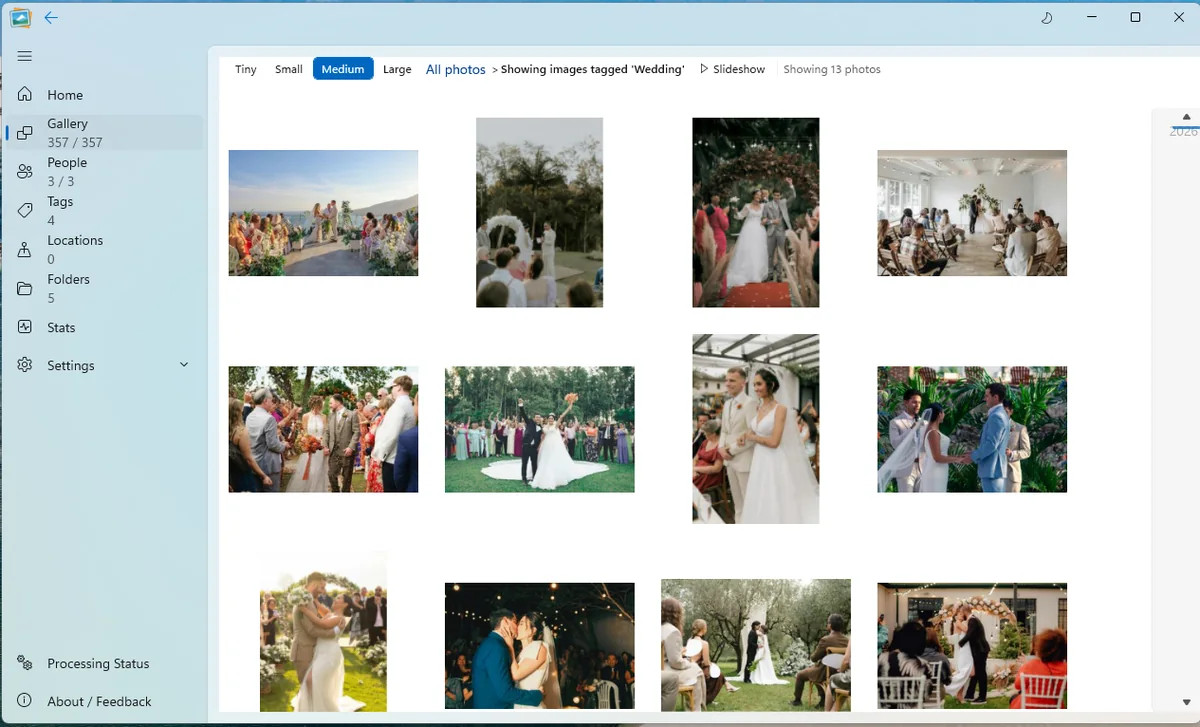
One library, not seven
Twenty years of photos means twenty years of formats. Old point-and-shoot JPEGs sit beside phone HEICs, RAW captures from a proper camera, screenshots, scans and edits.
Live Gallery was built to read that library as it exists, without asking you to convert everything into one tidy format first.
Support for RAW files from major camera manufacturers, viewed and catalogued natively without a separate converter.
The format used by modern iPhones and many Android devices. View and organise HEIC photos alongside everything else.
The most common photo format in the world. Fully supported, from any device or camera, at any age.
Screenshots, edited images and transparent graphics, all handled natively in the same library.
Increasingly common from modern devices and downloads, fully supported and searchable with the rest.
Older archives, scans and professional workflows. Both formats are readable without a conversion step.
A small number of niche or manufacturer-specific formats are not supported in the beta. Format support is prioritised by what beta users actually need, so a specific request is useful.
Report a format gapMixed by default
You do not need to separate RAW from JPEG, or move HEIC photos into a different folder before Live Gallery will recognise them. Point it at your existing structure and everything gets catalogued together.
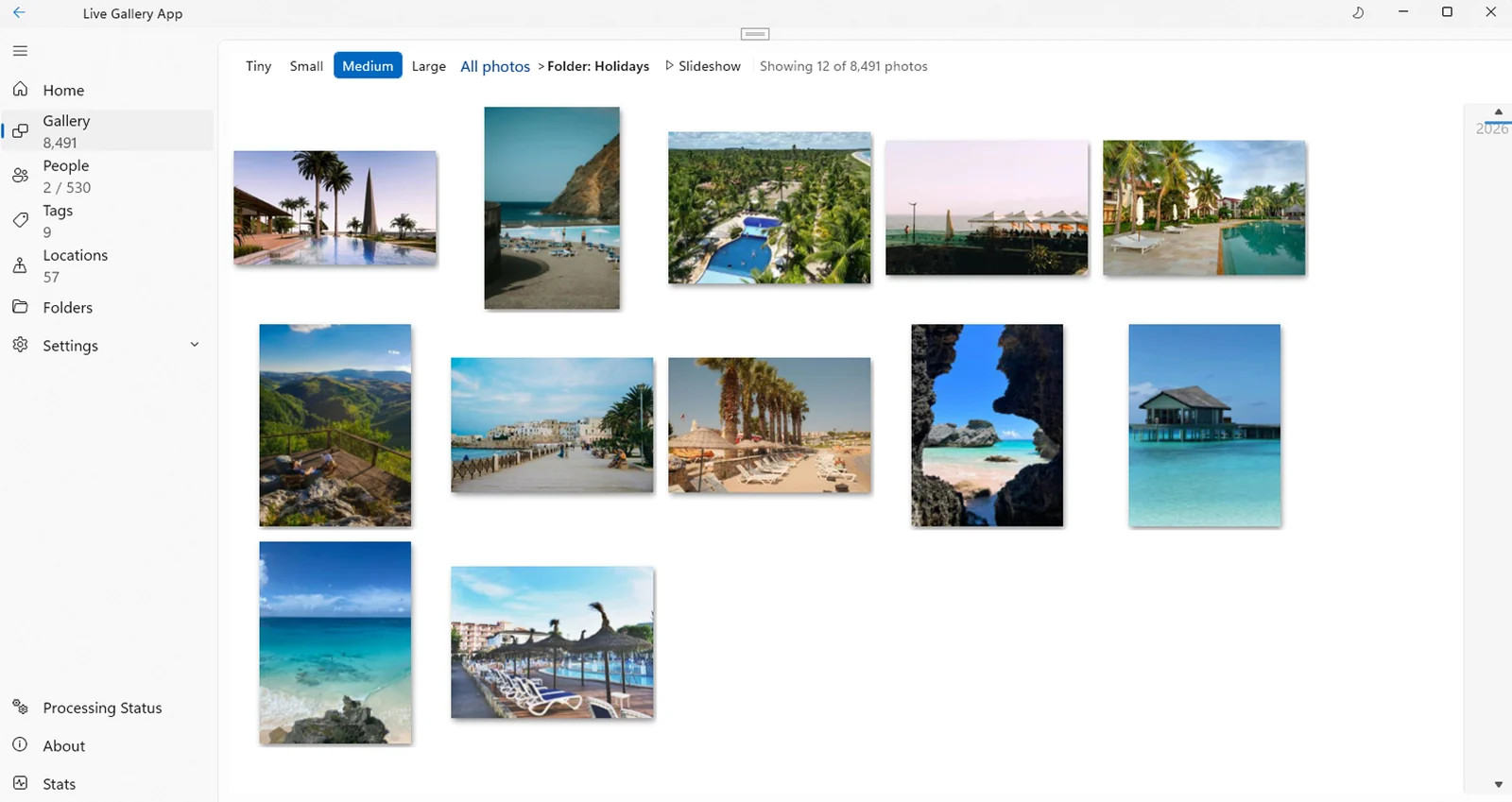
Bring the whole archive
Download the free beta and point it at the folder you already have. Keep the structure; lose the conversion step.
Windows 11 · Free 5,000-photo beta · No account needed